Create it your way. Run it forever.
Optics is open-source test automation for Android, iOS, web, TV and desktop. Write a test by hand, record it, describe it in plain English or hand it to your AI agent, then run that same suite on every build and every device.
$ curl -fsSL https://optics-framework.org/install | sh
Apache 2.0. Needs Python 3.12 or newer. Also installs on Windows and with pip. Read the docs.
Each row of modules.csv is one step Optics does on the device. When an element’s id stops matching, Optics finds it by its text.
Every test has two lives.
The day you create it
Someone turns a user flow into steps a machine can repeat. Optics lets that person work the way they already think: in a spreadsheet, on the device, in a sentence, or through an AI agent.
Every day after that
The test has one job: run the same way on every build, every device and every release, and fail only when the app is actually broken.
Four ways to create a test
Click a bracket of the logo or pick from the list.
Write it
Elements, modules and test cases are plain CSV or YAML that anyone on the team can read and review. Prefer code? The same keywords are a Python library and a Robot Framework library.
module_name,module_step,param_1,param_2
Sign In,Enter Text,${email_field},[email protected]
Sign In,Enter Text,${password_field},${password}
Sign In,Press Element,${sign_in}
Add To Cart,Enter Text,${search_bar},trail runner
Add To Cart,Press Element,Add to cart
Record it
Open optics live next to your device and run keywords one at a time. Every step that works is recorded, and /save writes the recording into your suite as a reusable module.
 ✓ launch_app
     1.21s
 ✓ enter_text Email [email protected]
     0.48s  [Text]
 ✓ enter_text Password ${password}
     0.41s  [Text]
 ✓ press_element Sign in
     0.31s  [XPath]
› /save checkout sign_in
 • Saved 4 step(s) → module 'sign_in' in modules/modules.csv
Describe it
Press Ctrl N in optics live and describe the flow. An AI agent drives the device a step at a time, then keeps only the steps that mattered, ready to save. Works with Gemini, Claude, OpenAI or a local model.
ai › add running shoes to the cart
 ✓ [ai] add running shoes to the cart
     8.02s  done · 3 step(s) · 8.0s · recorded 3 (/save to keep)
     thinking: search for running shoes first
   ✓ enter_text 'Search' 'running shoes'
       1.06s  [Text]
   ✓ press_element 'Trail Runner 2'
       0.87s  [OCR]
   ✓ press_element 'Add to cart'
       0.34s  [Text]
Delegate it
Add optics mcp to any MCP client. Your agent looks, taps, types and checks through ten tools, and every action returns what changed on screen. When it is done, it reads the steps it ran as a ready suite. The agent is yours; Optics gives it eyes and hands.
⏺ optics · start_session(driver="appium")
⏺ optics · tap(target="e4", expect_present=["Products"])
⏺ Read optics://session/7f3c…/steps
⏺ Write checkout/modules/modules.csv +18
● Suite ready: 3 modules, 14 steps.
Every way ends in plain text
Reviewed like code
A recording in Optics isn't a binary blob or a row in someone else's cloud. /save writes the same rows you would have typed, and an agent working through optics mcp writes them too. They live in your repo, next to the app they test.
So changing a test is a pull request. When a redesign moves the sign-in button, the diff shows the one locator that changed and the text fallback added beside it, and CI runs exactly what was merged.
 Element_Name,Element_ID
 email_field,//*[@resource-id='email']
-sign_in,//*[@text='Sign in']
+sign_in,//*[@resource-id='login']
+sign_in,Sign in
 search_bar,//*[@resource-id='search']
CSV or YAML
Write in whichever your team reads best. CSV opens in any spreadsheet and keeps one step per row. YAML keeps a whole flow in one indented file. /save writes either, and one project can hold both.
Optics tells files apart by what is inside them, not where they sit, so the folder layout is yours. Both formats load into the same suite, and each file holds one of three things.
- Test cases
- Which flows run, and in what order.
- Modules
- The steps, one keyword each, reused by every test case that names them.
- Elements
- Every name mapped to the ways to find it on screen. The only place a locator lives, so a redesign is an edit here and not in every test.
test_cases/test_cases.csv
test_case,test_step
Checkout,Sign In
Checkout,Add To Cart

modules/modules.csv
module_name,module_step,param_1,param_2
Sign In,Enter Text,${email_field},[email protected]
Sign In,Press Element,${sign_in}
Add To Cart,Enter Text,${search_bar},trail runner
Add To Cart,Press Element,Add to cart

test_data/elements.csv
Element_Name,Element_ID
email_field,//*[@resource-id='email']
sign_in,//*[@resource-id='login']
sign_in,Sign in
search_bar,//*[@resource-id='search']Test Cases:
- Checkout:
- Sign In
- Add To Cart
Modules:
- Sign In:
- Enter Text ${email_field} [email protected]
- Press Element ${sign_in}
- Add To Cart:
- Enter Text ${search_bar} "trail runner"
- Press Element "Add to cart"
Elements:
email_field: "//*[@resource-id='email']"
sign_in: ["//*[@resource-id='login']", Sign in]
search_bar: "//*[@resource-id='search']"Run a suite
optics execute replays the suite step by step. Check it first without a device using optics dry_run, which validates every keyword, element and module reference.
- junit_output.xml
- Written as the run goes, so CI sees progress live.
- Screenshots
- The screen before each step that finds an element, and the same screen with a box around what Optics found.
- Detected errors
- Crash dialogs and messages like “Session expired”, matched from
error_definitions.csvon the last screen, add a failure to the JUnit report even without an assertion.
~/birch ❯ optics execute checkout
Running tests  100% 0:00:04
Test Suite
├── Suite Setup                           | 1.21s |    PASS
│   └── Open Store                        | 1.21s |    PASS
│       └── Launch App                    | 1.21s |    PASS
└── Checkout                              | 2.95s |    PASS
    ├── Sign In                           | 0.83s |    PASS
    │   ├── Enter Text (//*[@resource-... | 0.52s |    PASS
    │   └── Press Element (Sign in)       | 0.31s |    PASS
    └── Add To Cart                       | 2.12s |    PASS
        ├── Enter Text Direct (running... | 0.61s |    PASS
        ├── Press Element (Trail Runne... | 1.22s |    PASS
        └── Assert Presence (Added to ... | 0.29s |    PASS

Total Test Cases: 2 | Passed: 2 | Failed: 0
How Optics finds an element
Most frameworks give an element one locator and fail when a redesign changes it. Optics gives every element several identities and tries them in order, cheapest first, so vision only costs you time when the UI tree can't help.
Two more fallbacks sit alongside the ladder. List several values for the same element name and each is tried in turn. Enable a second driver or element source and it takes over when the first one fails.
- 1XPathA native query through the accessibility tree.
- 2TextThe visible text, CSS or class in the page source.
- 3OCRReads the screenshot with EasyOCR, Tesseract or Google Vision.
- 4ImageMatches a reference picture of the element on screen.
- 5AI self-heal, if you switch it onAn LLM reads the screen and recovers with the same keywords, in
optics liveandoptics execute.
Where suites run
On every build
This workflow runs a web suite on every push. optics execute exits with 1 when a test fails, which fails the job, and the JUnit report shows up as a check on the pull request.
On-screen error detection also flags a crash or sign-out screen left showing at the end of the run, even if no assertion would have caught it.
Run tests in CI has the same job for GitLab and for Android on an emulator.
name: Optics
on: [push, pull_request]
permissions:
  contents: read
  checks: write
jobs:
  web:
    runs-on: ubuntu-latest
    steps:
      - uses: actions/checkout@v7
      - uses: actions/setup-python@v7
        with:
          python-version: "3.12"
      - run: pip install "optics-framework[playwright]==1.11.4"
      - run: python -m playwright install --with-deps chromium
      - run: optics execute birch-tests --no-use-printer
      - if: always()
        uses: mikepenz/action-junit-report@v6
        with:
          report_paths: birch-tests/execution_output/junit_output.xml
Before every release
Run the full regression on your own emulator or device, with annotated screenshots of every step to show exactly what the test saw.
On every device
Android, iOS, Android TV, Samsung Tizen, LG webOS and macOS, Linux and Windows desktop apps through Appium. Web through Selenium or Playwright. The keywords stay the same.
In production
Point the same suite at your live app on a schedule. Where debugging and screenshots are locked down, the BLE driver acts as a Bluetooth mouse and keyboard, paired with a camera.
Install
-
1Install Optics
The installer keeps Optics in its own environment under
~/.optics, away from your system Python.$ curl -fsSL https://optics-framework.org/install | sh> irm https://optics-framework.org/install.ps1 | iex$ pip install optics-framework -
2Set up a project
Asks what you want to automate, installs the matching driver and OCR engine, scaffolds a project from a working sample and checks your setup. Add more engines any time with
optics setup.$ optics quickstart -
3Run it
Then run it again on the next build, and every one after that.
$ optics execute my_test_project
Learn Optics
Guides from your first test to production monitoring, and a reference for every keyword, command and setting.
Quickstart
Five minutes. Install Optics and run a working test in a browser, no device needed.
Write your first test
Fifteen minutes. Sign in to a real online store and add to cart, one step at a time.
Create tests your way
Write a test, record it on the device, describe it in plain English, or hand it to your AI agent.
Every keyword and setting
Keywords, the CLI, config.yaml, file formats and error codes.
From the blog
Articles, videos and posts about Optics, from the community.
-
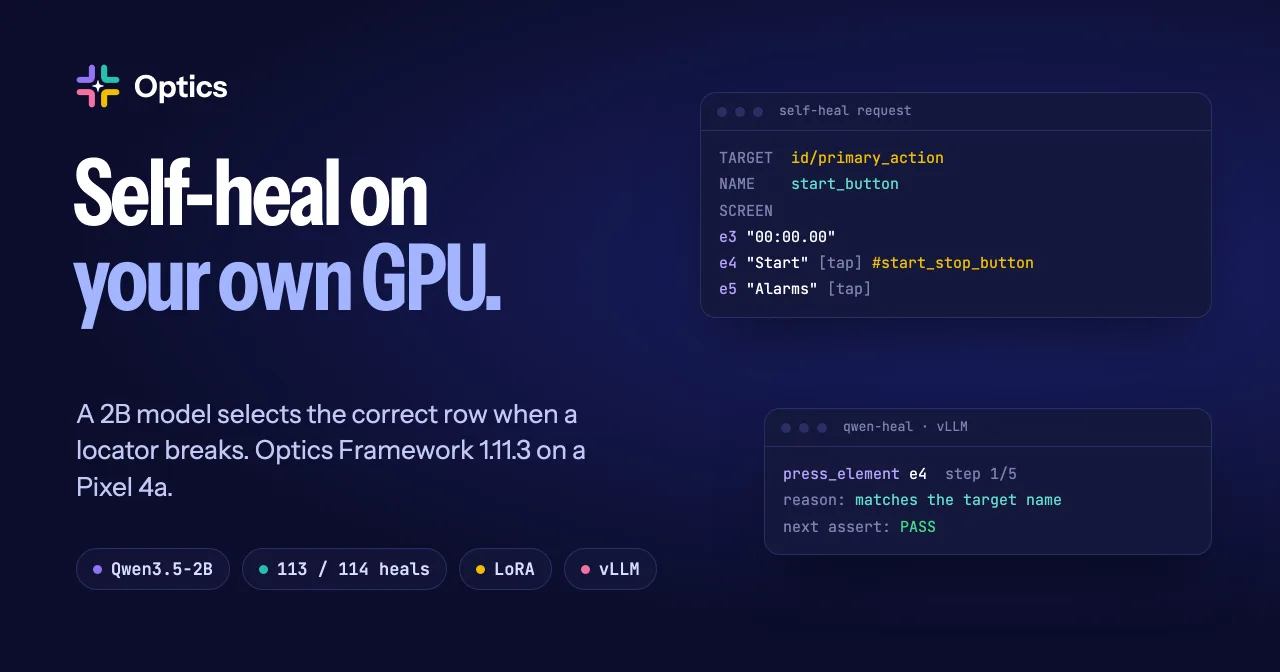
Self-heal broken locators with a 2B model on your own GPU
I taught Qwen3.5-2B the Optics Framework self-heal job with a weight edit and with a LoRA. On a Pixel 4a with Optics Framework 1.11.3, the LoRA model healed 113 of 114 broken locators.
Read the article
-
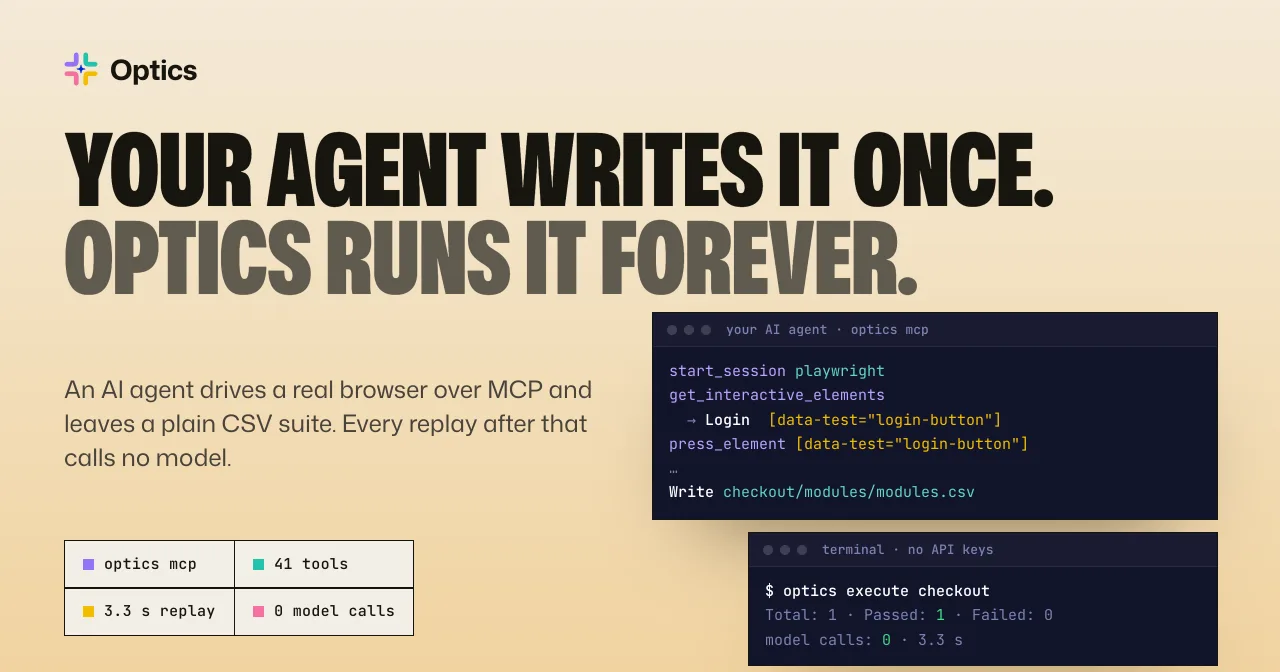
Your AI agent writes the test once. Optics runs it with no model.
An AI agent drives a real browser through the Optics MCP server and writes a CSV test suite. Later runs replay that suite with no model, in about 3 seconds.
Read the article
-
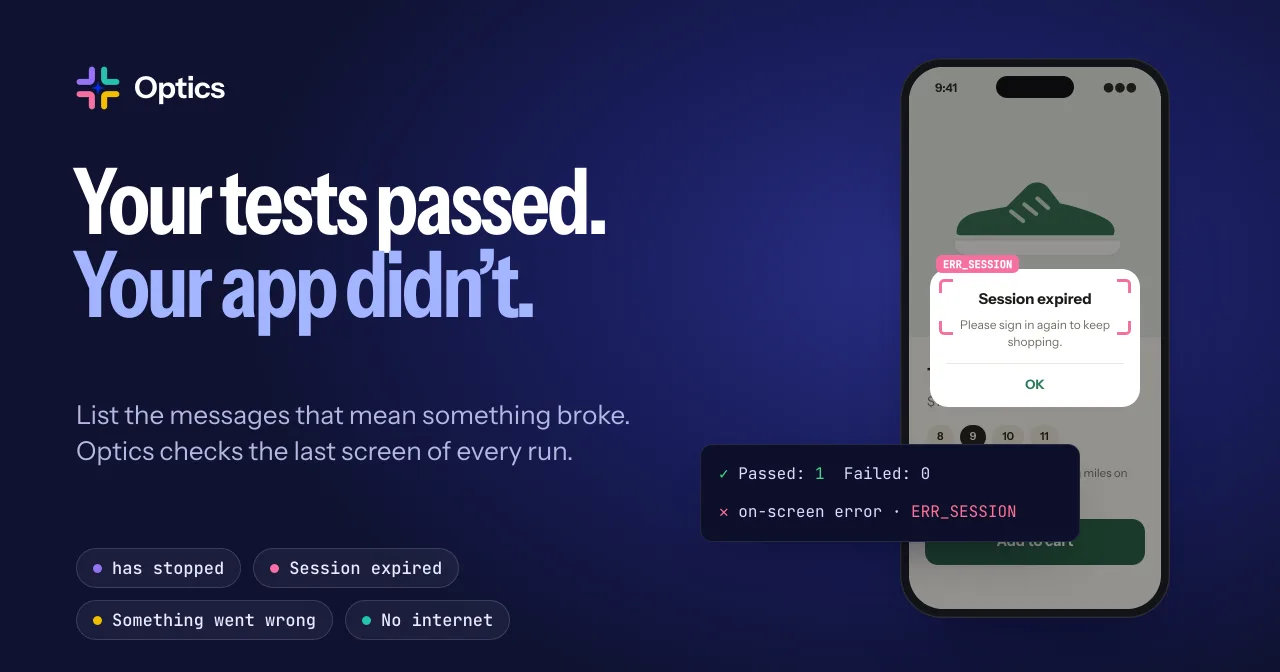
Your tests passed. Your app didn't.
Error definitions catch crash dialogs, "Session expired" and other error screens that no step checked for. List the messages in one CSV file, and Optics looks for them on the last screen of every run.
Read the article
-
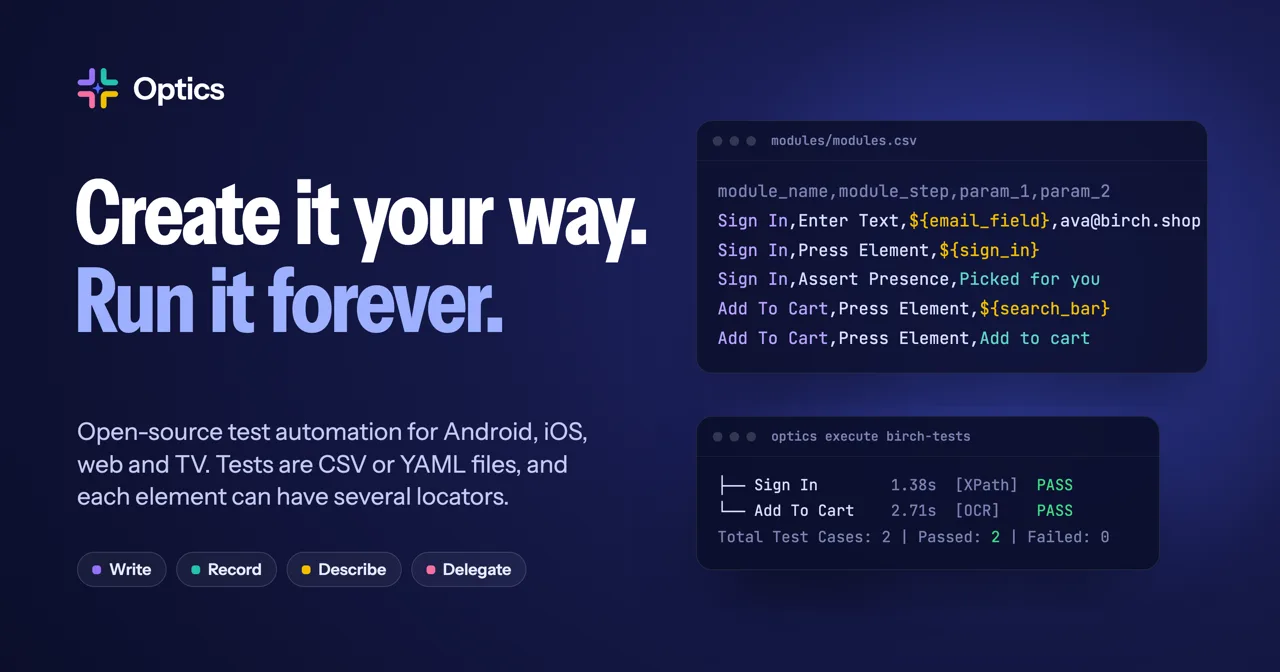
Introducing Optics Framework: create a test your way, run it forever
Optics is an open-source test automation framework for Android, iOS, web and TV apps. Tests are CSV or YAML files, and each element on screen can have several locators.
Read the article